
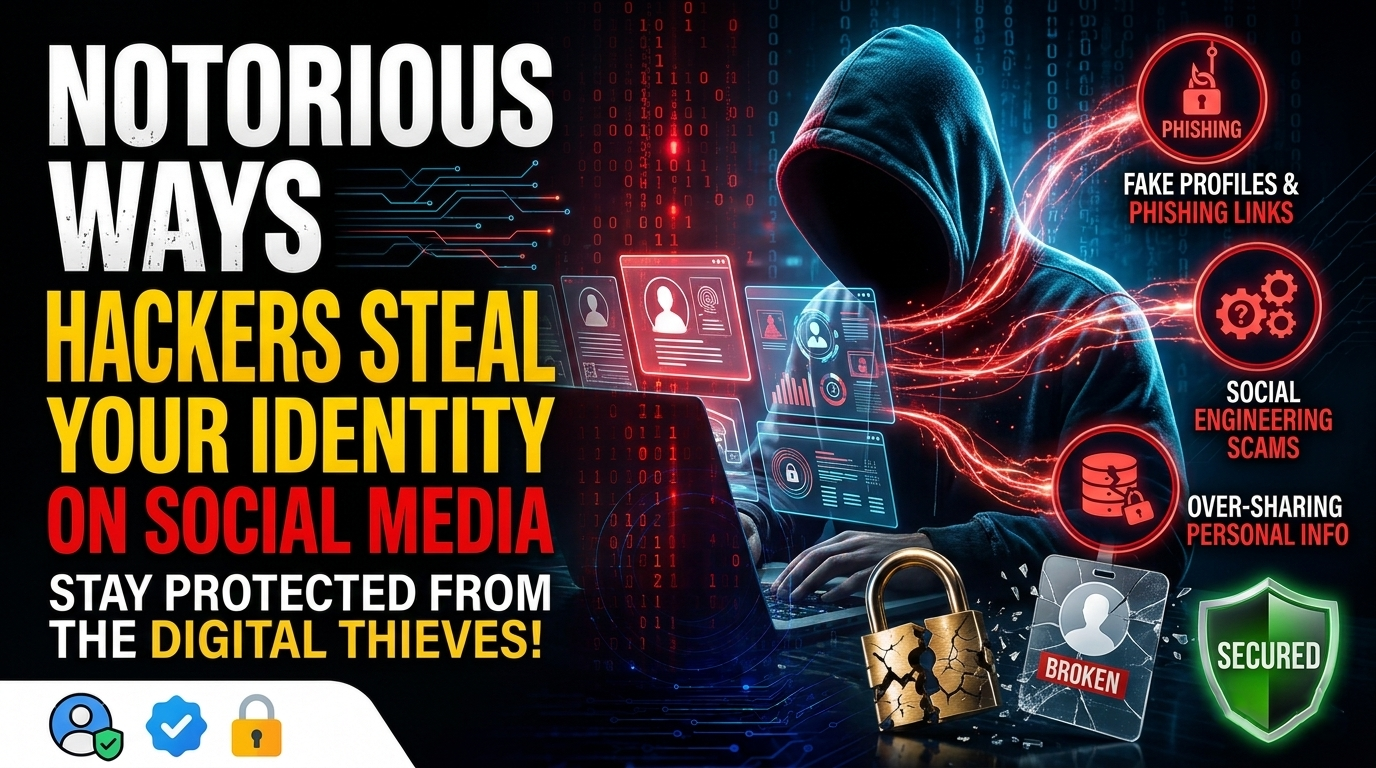

Although social media is a fantastic tool for meeting new people, it also makes it simple for others to obtain your personal data. Fortunately, you can prevent identity theft by maintaining your online presence.
Here are some ways scammers operate and how to combat their tricks.
1. Gathering Data From Profiles

Sometimes stealing someone’s identity doesn’t require much effort on the part of the hacker. They occasionally receive all the information they require on a silver platter.

Read Also: Best 10 Anonymous Dark Web Browsers for Secure Tor Browsing
On social media, some people share a lot of information. These details include phone numbers, addresses, and dates of birth. Scammers can gather information from people who share too much of it and use it to pretend to be someone else.
How to Prevent Data Harvesting From Happening
This is the easiest to avoid, despite how frightening it may sound. Even if you have friends-only privacy set, be careful what you share online. Adhere to the golden rule: don’t post anything on social media that you wouldn’t share with a stranger.
2. Stealing Information Through Malicious Apps and Services
While some websites offer particular services and require you to log in through the social media site, others permit you to install third-party apps. These services are typically made to “provide” a feature that the social network does not. Additionally, the service might exploit vulnerabilities like a block detector.
If you’re unlucky, you’ll use a service or app that fails to perform its intended function and instead uses your permissions to gather personal data and send it back to the malware creator.
How to Use Apps and Services to Prevent Theft
Installing third-party apps or services requires extreme caution. Those that promise to unlock a “hidden feature” should be avoided because they are probably trying to trick users into downloading them.
Make sure you understand the permissions that a third-party service requires before using it. Be cautious if a basic tool requests every permission imaginable.
3. Installing malware and using phishing to deceive users
The goal of phishing attacks is to trick victims into clicking on a link. These are most effective when distributed among a sizable group of people. Sadly, social media is a heavily used platform that makes phishing attacks possible for con artists. It facilitates the spread of the phishing attack by encouraging people to distribute the link (for example, by retweeting).
When these attacks are posted by an account that appears to be official, they are far more severe. For instance, the BBC documented how a phishing attack that stole Bitcoins was propagated by a phony Elon Musk account.
One successful strategy for identity theft is phishing attacks. A malicious link can lead to malware, which is downloaded and activated to harvest data. Some phishing links may pose as a legitimate company or organization, then ask for sensitive information from the user.
How to Avoid Phishing Scams
If you see any suspicious-looking links, be sure not to click them. The temptation can be hard to beat, as phishing links usually have a twist on them that makes them irresistible to click. They might disguise themselves as a news website reporting a celebrity’s death or claim to have some juicy gossip on one of your friends.
It’s also worth taking a phishing identification quiz, so you know what to identify. Once you learn how to identify a phishing attack, you’ll be well equipped to defend yourself.
4. Attacking Users Through Their Friends
Be very careful about who you trust online, even your friends. Scammers realize that people aren’t clicking on phishing links as much as they used to, especially from accounts they’ve never heard of before.
Some scammers take a sneakier approach and compromise accounts on social media. After that, they send a scam link to the account’s friends, which the victim clicks on since it appears to be “from a friend.” By installing malware on their computer, this link collects personal data from the victim and distributes it to all of their friends.
How to Recognize a Compromised Friend
Don’t click on anything your friends send you if you see them acting strangely. It’s possible that a kind and considerate friend will abruptly threaten you with posting a link and revealing videos. Make sure to get in touch with your compromised friend outside of the social media platform to inform them of this sign, which is a reliable method of identifying their account.
Of course, you may receive a call informing you that a hacker accessed your account. If this happens, don’t worry; you can get it back. For example, you can read here to get back your hacked Facebook account.
5. Getting Location Data From Photograph Geotags
If you’re out and about, it’s fun to tag your photographs with your location so people can see the museums, cafes, and concerts you visit.
Read also: USB Speaker Hack: How a Speaker Can Infect Your PC Without a Single Click
If you become too snap-happy, however, you may end up giving away a little too much information with your location tracking. For instance, if you upload a photo taken at home with location tracking, it could give away where you live.
How to Take Photographs Safely
You can still use photograph locations, but be careful about what you tag and where. If you’re in a public place, there should be no harm in letting people know where you were. When you’re somewhere more private, be sure to double-check to ensure you’re not uploading photographs that reveal your address.
If you have photos with location data in them already, you can still upload them safely. For example, you can strip location data from photographs.
6. Harvesting Information Through “Deleted” Information
The most serious issue with online content is that it is sometimes “undeletable.”
Even if you used to have a Facebook account and then deleted it, websites like the Wayback Machine may be able to “remember” how your profile page looked in the past. As a result, hackers can use these pages to gain access to any data you previously stored online.
How to Handle Information That Can’t Be Removed
Never sharing “deleted” information in the first place is the best way to prevent it from reappearing later.
Check websites like the Wayback Machine to see if anything was saved if you have previously shared a bit too much information. If it did, you should get in touch with the website and request that they delete your page from their database.
It’s also worth making sure you thoroughly erase all data on the sites that you leave, rather than merely deactivating the account. For example, there’s a big difference between deactivating and deleting Facebook accounts for privacy.
7. Learning About You via Friend Requests
A scammer does not always have to hide in the shadows; they can simply add you as a friend and gather information that way. They may ask you questions about yourself and pretend to be interested, or they may friend you in an attempt to circumvent your privacy settings and learn more about you.
You might be interested: 15+ Websites Where to Shop Online Without an OTP with a Credit Card
How to Avoid False Friends
To become a friend on social media, you must accept their request. As a result, even if you’re a friendly person, be cautious when accepting a friend request.
If your privacy settings reveal all of your data to your friends, be cautious about who has access to your profile. Befriending a stranger may violate your privacy.
Keeping Your Identity Safe on Social Media
Social media is a great place to get to know people, but it’s also a way for hackers to get to know you. By keeping vigilant with your data and learning about how hackers can access your data, you can avoid identity theft via social media.
If you’d prefer not to keep your data on social media, perhaps it’s time to delete your entire social media presence.


Leave a comment