
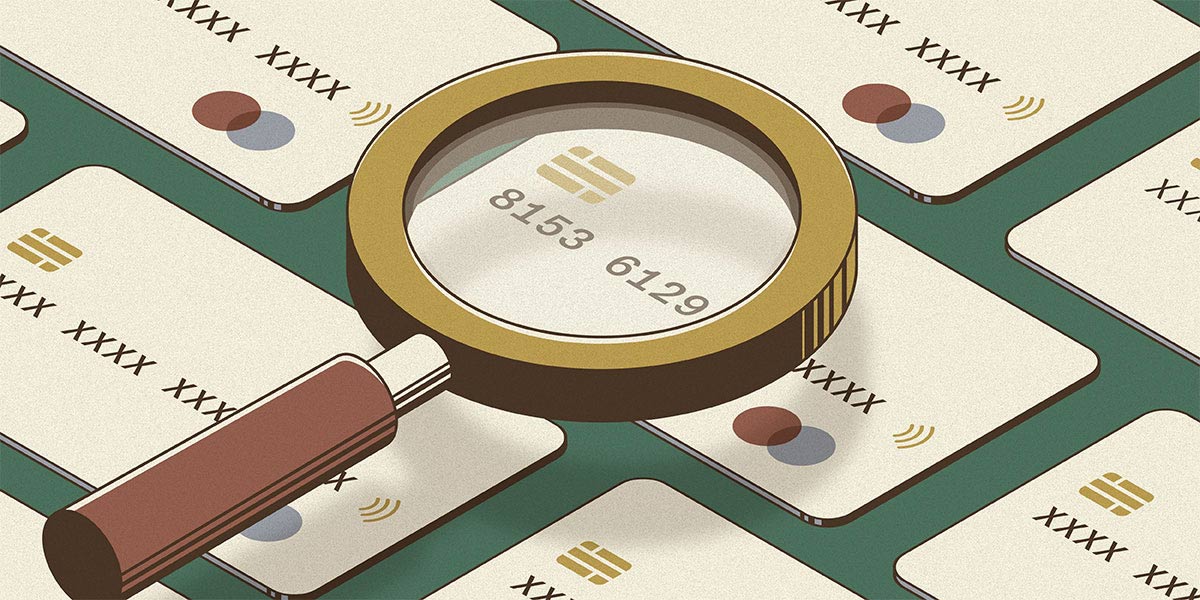

If you are picking BINs at random or using a “default” browser profile, you are essentially flagging yourself to every fraud detection system on the internet. Success in this field is not about the quantity of cards you have. It is about the quality of the BIN and the invisibility of your digital presence.
Part 1: Identifying High-Success BINs
A BIN (Bank Identification Number) consists of the first six to eight digits of a credit card. It tells the merchant the card’s brand, the issuing bank, the card level, and the country of origin. Not all BINs are created equal.
The Hierarchy of BIN Success
If you want a high success rate, you have to stop using “Classic” or “Standard” cards. These are heavily monitored because they are the most common targets for low-level fraud. Instead, target these levels:

- Business and Corporate Cards: These are the gold standard. They have much higher spending limits and, more importantly, the banks are less likely to trigger a security alert for a large purchase because business spending is naturally volatile.
- Platinum and Infinite Cards: These cards are issued to high-net-worth individuals. Fraud systems treat these as “trusted” profiles, meaning they face less scrutiny during the checkout process.
- Prepaid (Use with Caution): Some prepaid BINs work for small digital goods, but they are almost always flagged for high-value physical shipping.
How to Source and Validate BINs
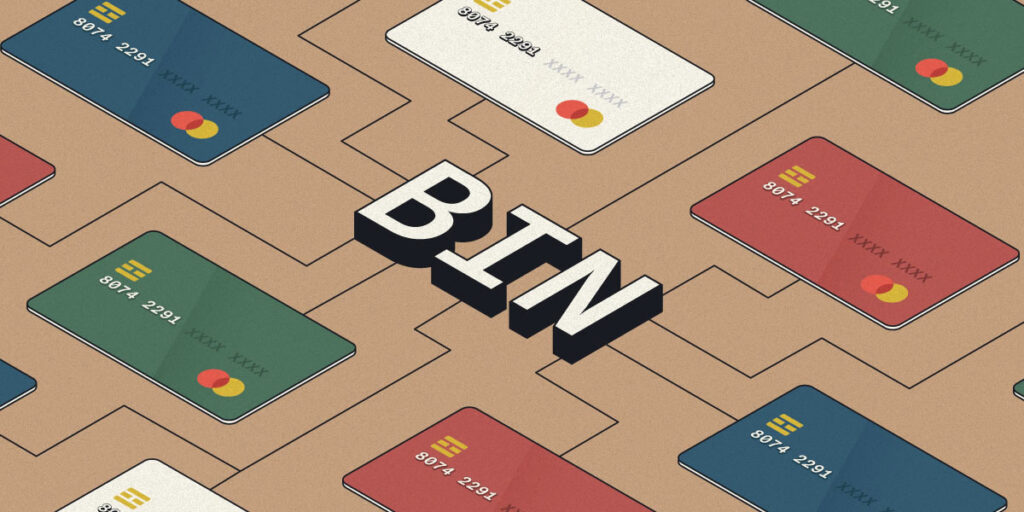
Do not trust “Free BIN Lists” found on public forums. By the time a BIN is posted publicly, it is usually “burned,” meaning the fraud systems at major merchants have already flagged that specific BIN for increased scrutiny.
To find a high-success BIN, use the following methodology:
- Regional Targeting: Match your BIN to your proxy. If you are using a New York residential proxy, you need a BIN from a US bank that operates heavily in the Northeast.
- BIN Checking Tools: Use a professional BIN checker to verify the card level (Platinum, Gold, etc.) and the bank name.
- The Small-Scale Test: Before committing to a high-value target, test the BIN on a low-security site with the same payment gateway. If the BIN passes a 5 dollar transaction without a 3DS prompt, it is a viable candidate for larger strikes.
Read also: PayPal Carding: The Advanced Technical Guide
Part 2: Configuring the Perfect Anti-Detect Fingerprint
Your IP address is only one small part of your identity. Even with a perfect residential proxy, you will be banned if your browser fingerprint looks synthetic or inconsistent.
The Components of a Fingerprint
Anti-detect browsers like AdsPower or Dolphin{anty} allow you to manipulate the following technical parameters: Here is how to configure them for maximum invisibility.
1. Canvas and WebGL Fingerprinting
Websites ask your browser to draw a hidden image. The way your GPU and drivers render that image is unique to your hardware.
- The Fix: Do not use “Block” mode. Blocking Canvas looks suspicious to a fraud system. Instead, use “Noise” mode. This adds a tiny, invisible amount of random data to the image, making you look like a unique, real user rather than a bot.
2. WebRTC Leak Protection
WebRTC is a protocol that allows browsers to communicate in real-time. The problem is that it can leak your actual local IP address even if you are using a proxy.
- The Fix: Set WebRTC to “Replace” or “Disable.” “Replace” is better because it mimics a real IP that matches your proxy, whereas “Disable” is a red flag to advanced security systems.
Read also: Top Dark Web Markets and Carding Marketplaces
3. AudioContext and Fonts
The way your computer processes audio and the specific list of fonts installed on your system can identify you.
- The Fix: Use a profile template that matches a common OS. If you are mimicking a Windows 10 user, ensure your font list and AudioContext parameters match a standard Windows 10 installation.
4. User-Agent and Hardware Concurrency
The User-Agent tells the site your browser version and OS. Hardware concurrency tells them how many CPU cores you have.
- The Fix: Never use a user agent that doesn’t match your browser version. If you are using a Chrome-based anti-detect browser, use a Chrome User-Agent. Ensure your CPU core count is a standard number (e.g., 4 or 8), not a weird number that suggests a virtual machine.
Read also: 350+ List of Cardable Casino Sites (NON VBV)
Part 3: Syncing the Fingerprint with the Network
The biggest mistake beginners make is having a “perfect” fingerprint but a “bad” network, or vice versa. Everything must be in total alignment.
The Alignment Chain:
Your Proxy IP (City/State) $\rightarrow$ Your Timezone $\rightarrow$ Your Browser Language $\rightarrow$ Your Hardware Fingerprint $\rightarrow$ Your BIN (City/State).
If your proxy is in Los Angeles, but your browser timezone is set to UTC and your language is set to English (UK), the RMS will flag you for a “configuration mismatch” immediately.
The Final Workflow for a New Profile:
- Create a new profile in your anti-detect browser.
- Assign a static residential proxy from the target city.
- Set the timezone and language to “Based on IP.”
- Enable Canvas and WebGL Noise.
- Verify the fingerprint using a site like Whoer.net or Pixelscan.net.
- Once you see “100% anonymity” and no leaks, only then do you log into the account and link your high-success BIN.
Read also: No KYC Casinos – Top Best No Verification Casinos
Summary
Success is a result of surgical precision. A high-success BIN provides the “trust” at the bank level, while a perfectly configured anti-detect profile provides the “trust” at the merchant level. When these two elements are synced perfectly with a residential network, you become invisible to the system.


Leave a comment